Brain food for publishers and followers.
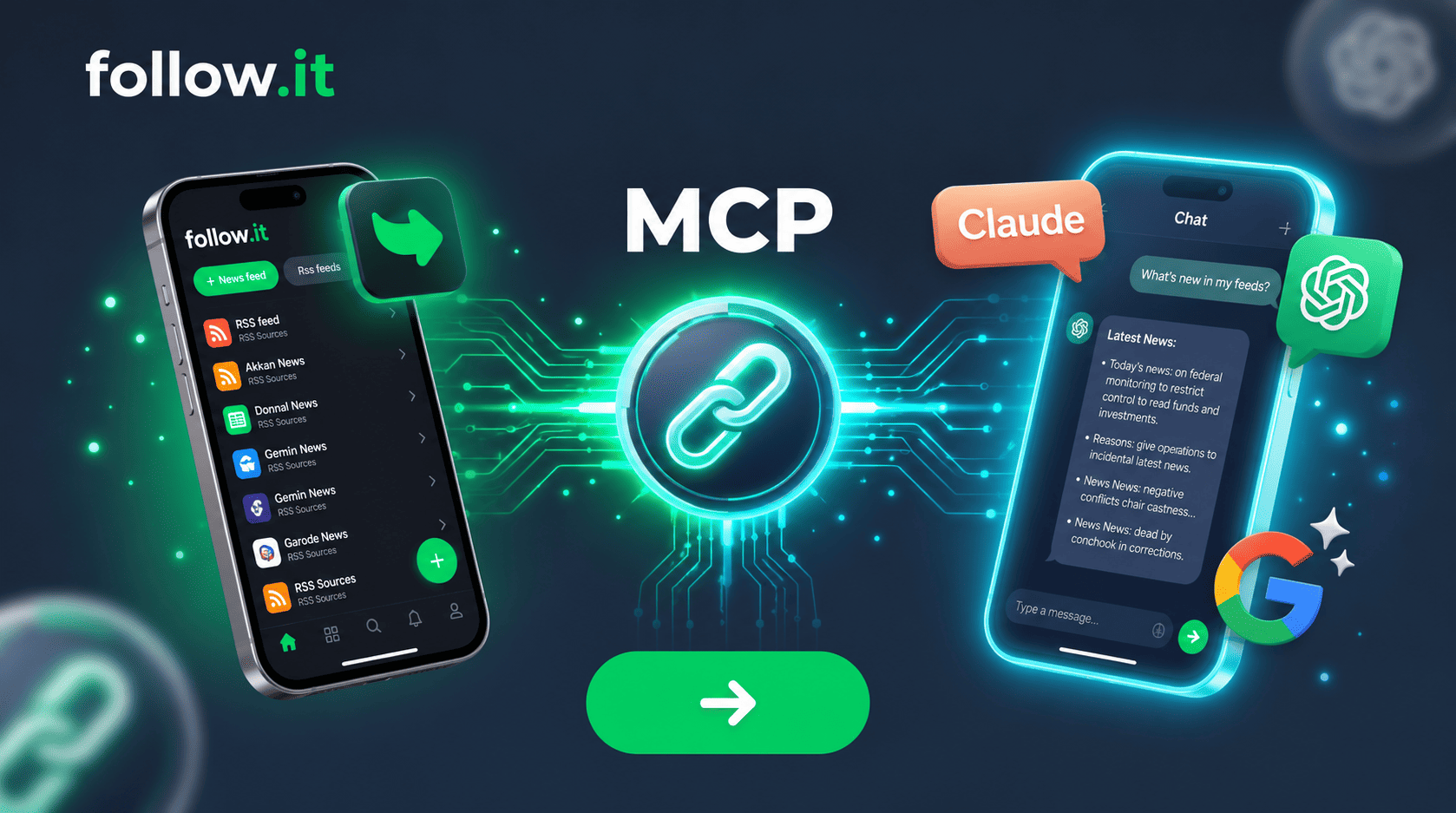
New: Your Updates, Inside Your AI Assistant
Connect follow.it to ChatGPT, Claude, and other AI assistants, and ask about your news right in the chat!
MCP (short for Model Context Protocol) is a way for AI assistants to look at information that lives in other apps. follow.it now supports it, so your assistant can read your news for you. Just ask something like “What’s new in my feeds?” and it answers right in your chat, without you having to open follow.it at all.
Here’s how it works.
1. Connect Your Assistant (Once)
Go to the MCP section of your follow.it delivery settings. There you’ll find your MCP server address: https://follow.it/mcp
Copy it, paste it into your AI assistant, and sign in to follow.it when prompted. For example, in Claude:
- Open Plugins on the left sidebar and click Add → Add custom connector.
- Name it follow.it, paste the address, and click Continue.
- Under OAuth client, keep Register automatically selected (Claude detects it), leave the other settings as they are, and click Add
- Sign in to follow.it and approve access.
That’s it! You only need to do this once.
The connection guide has step-by-step instructions for many other clients, such as Gemini, Perplexity, and Manus. If your assistant doesn’t support sign-in via connectors, the guide also explains how to create a personal MCP token in your delivery settings instead. This works with all AI assistants.
2. Just Ask
Once connected, your assistant can do the following with your feeds. You don’t need to tell it which action to use. It picks the right one automatically.
- See the feeds you follow: Lists your feeds with their category, when you started following them, how they’re delivered, and how often each one posts. “Which feeds am I following, and which ones post the most?”
- Read what’s new: Gets the stories you haven’t read yet. Stories you’ve already read or saved are left out. “Summarize what’s new in my feeds since yesterday.”
- Look up past stories: Finds stories you’ve already read, with their title, link, date, and source feed. “What was that article about battery tech I read last week?”
- Mark stories as read: Once your assistant has shown you stories, it can mark them as read on follow.it, so they don’t come up as unread again. “Mark everything you just showed me as read.”
3. Make It Your Own
This is where it gets fun. Since it’s an AI assistant, you’re not limited to a fixed set of commands. Combine your news with anything else you’d ask it to do:
- “Give me a 5-bullet briefing of my followed feeds since yesterday.”
- “Which of today’s stories are relevant to my upcoming product launch?”
- “Translate the new stories from my German feeds and summarize them in English.”
- “Turn this week’s industry news into a short update for my team.”
More Coming Soon: All News
So far, MCP covers My News, the feeds you follow. Next up is All News: everything published across the web. Soon your assistant will be able to:
- Search all news, beyond what you follow: “What’s being reported about the EU AI Act today?”
- See what’s trending by country: “What’s trending in France right now?”
- Discover new feeds for a topic or website: “Find me good feeds about space exploration.”
- Follow or unfollow feeds and choose the folder, right from the chat: “Follow that blog and put it in Science.”
Follow this blog to stay updated!
Give It a Try!
MCP is live for all users now. Head over to AI / MCP, connect your assistant, and ask it what’s new.
Have questions or ideas for improvements? We’d love to hear from you!