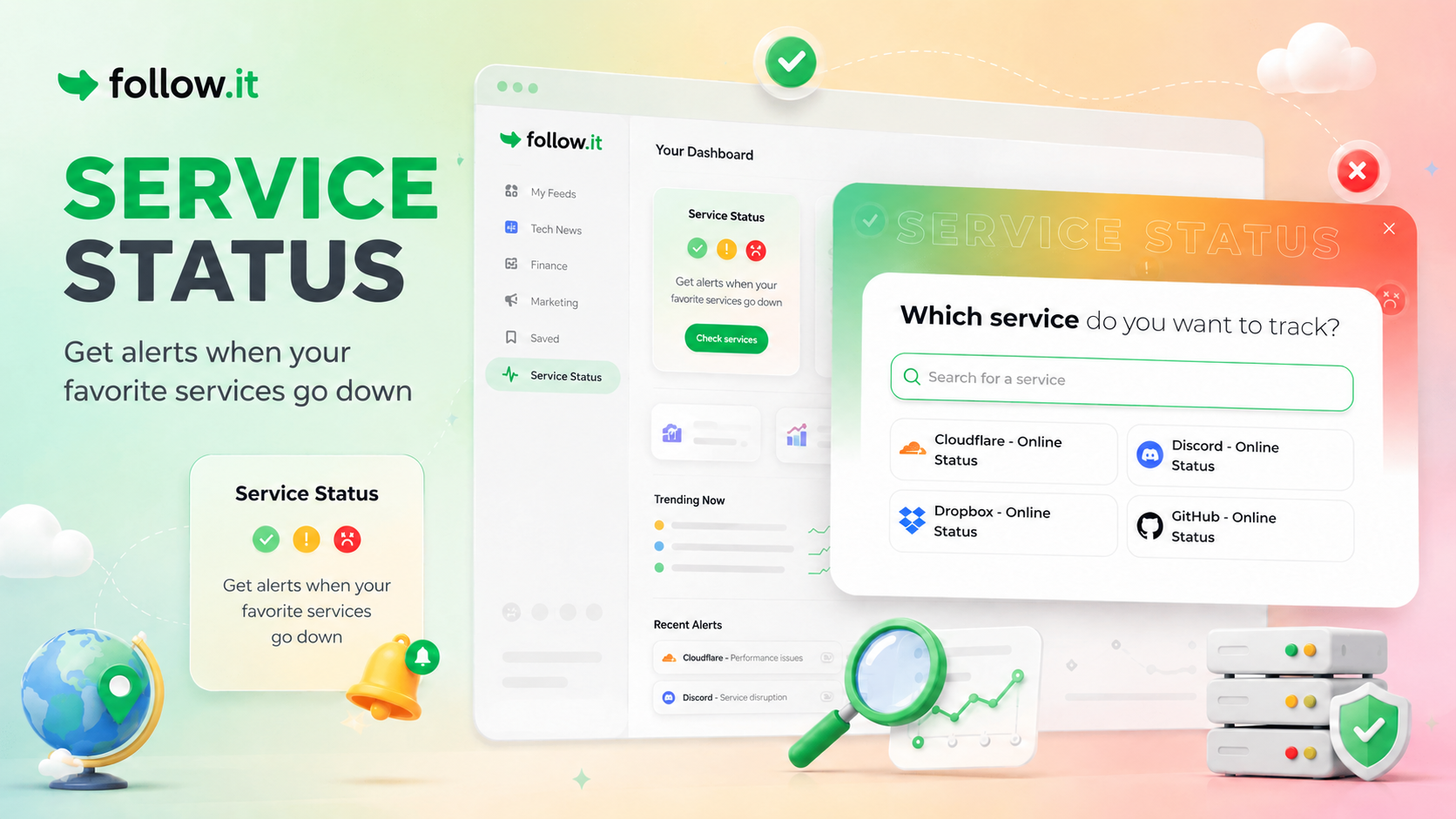
Instead of checking status pages manually, you can subscribe to them just like any other feed.
How to follow a status page
Go to the feed directory find and click the Service Status feed card.
A pop-up will open where you can search for the service you want to track.
Choose from thousands of popular services, select the one you want to follow, and follow.it will take you to the corresponding feed so you can set up your alerts.
If the service you are looking for is not listed yet, you can suggest it directly from the search window.
Give it a try the next time you want to keep an eye on an important service.
If you have ideas for new feeds—or feedback of any kind—we’d love to hear from you!