Brain food for publishers and followers.
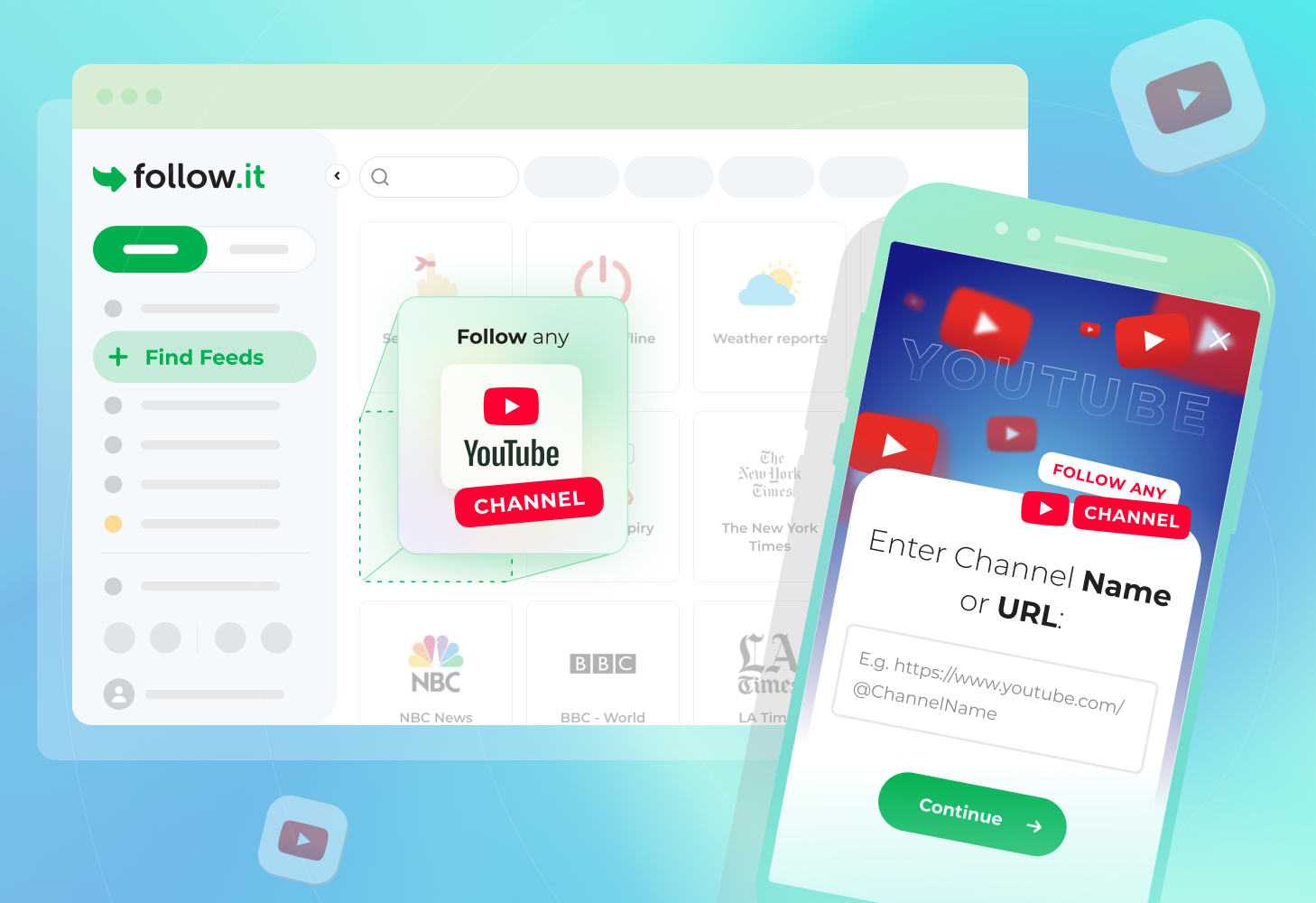
Follow Any YouTube Channel on follow.it
We’re excited to announce a feature many of you have been asking for: you can now follow any YouTube channel and get updates when new videos are published!
How to Follow a YouTube Channel
It’s simple. Go to our feed directory, look for “Follow any YouTube channel” card and enter the channel name or URL. That’s it!
Once you confirm your subscription, you’ll start receiving email updates whenever that channel publishes new content. No YouTube account required.
Why Follow YouTube Channels on follow.it?
YouTube’s algorithm decides what appears in your feed. With the follow.it notifications, you’re in control. You’ll never miss videos from creators you care about because the platform didn’t show them to you.
This is especially useful if you:
- Want to track educational content and tutorial series
- Follow industry experts and thought leaders
- Monitor competitors or trends in your field
- Simply prefer a more intentional approach to consuming YouTube content
Get Started
Ready to take control of your YouTube subscriptions? Head to our directory and search for “Follow any YouTube channel” to get started.
This feed is for following entire YouTube channels. If you’re looking for more advanced alerts (e.g., keyword-based updates, minimum view/like thresholds, and other filters), check out our YouTube API feed.
Have ideas for improvements? Please let us know!


Readers
Follow the news like never before