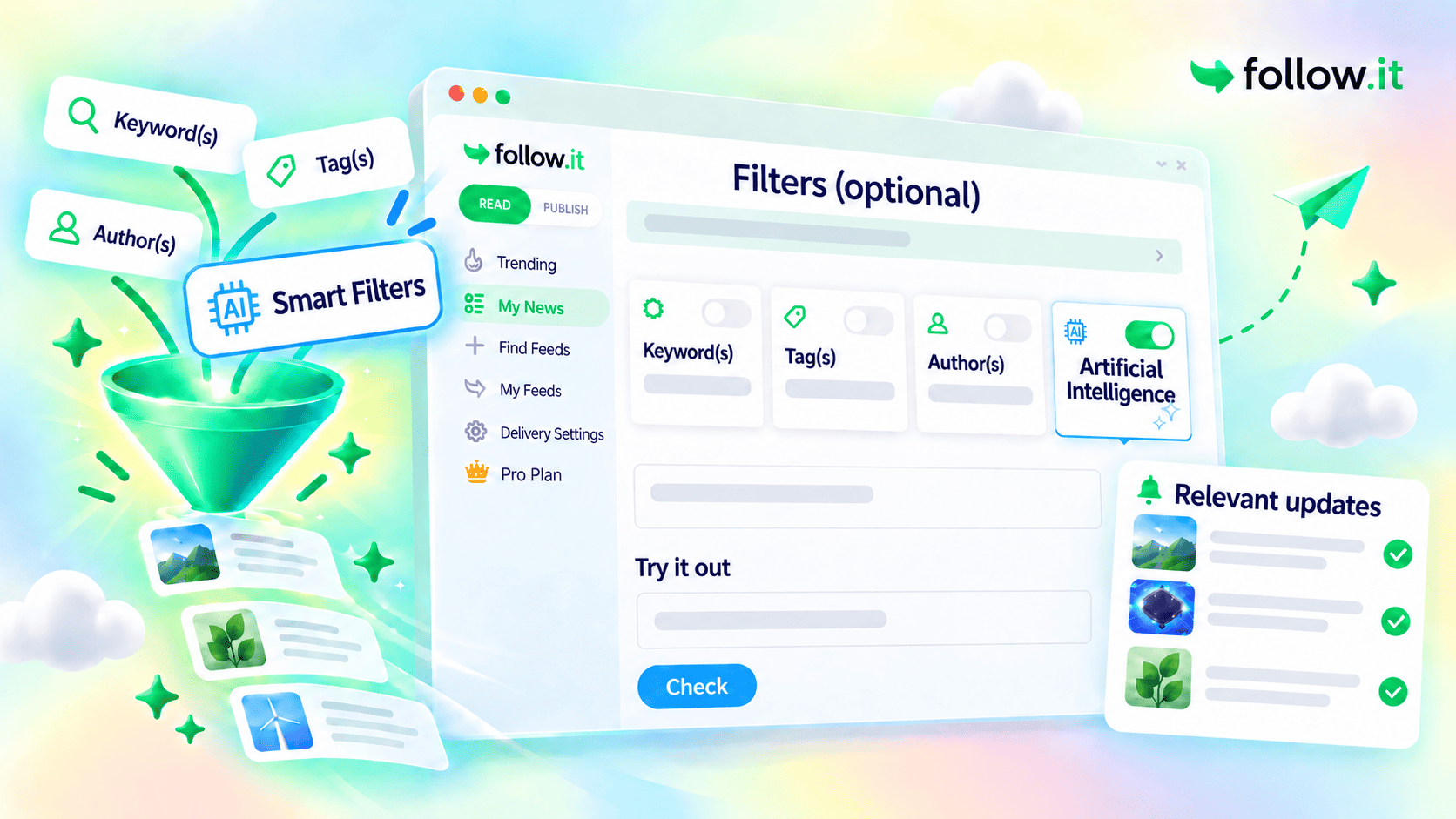
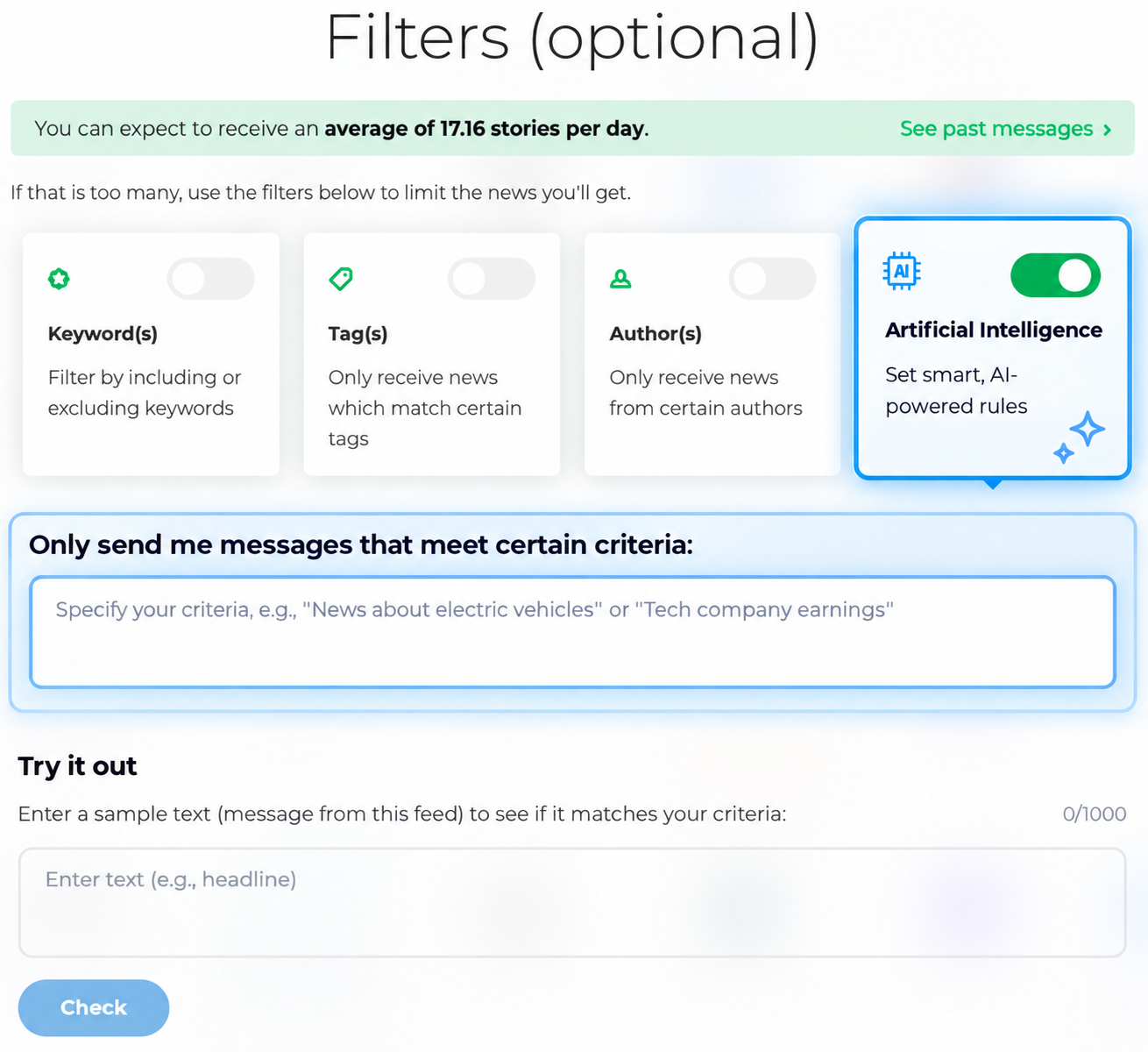
For example, you could ask follow.it to:
- Send only posts that express a clearly negative view of a topic
- Send only stories about electric vehicles involving a launch, recall, regulation, or major technology change
- Send only updates where a company’s earnings significantly beat or miss expectations
Describe what should reach you
Open the feed configuration panel and add your filtering instructions. See an example.
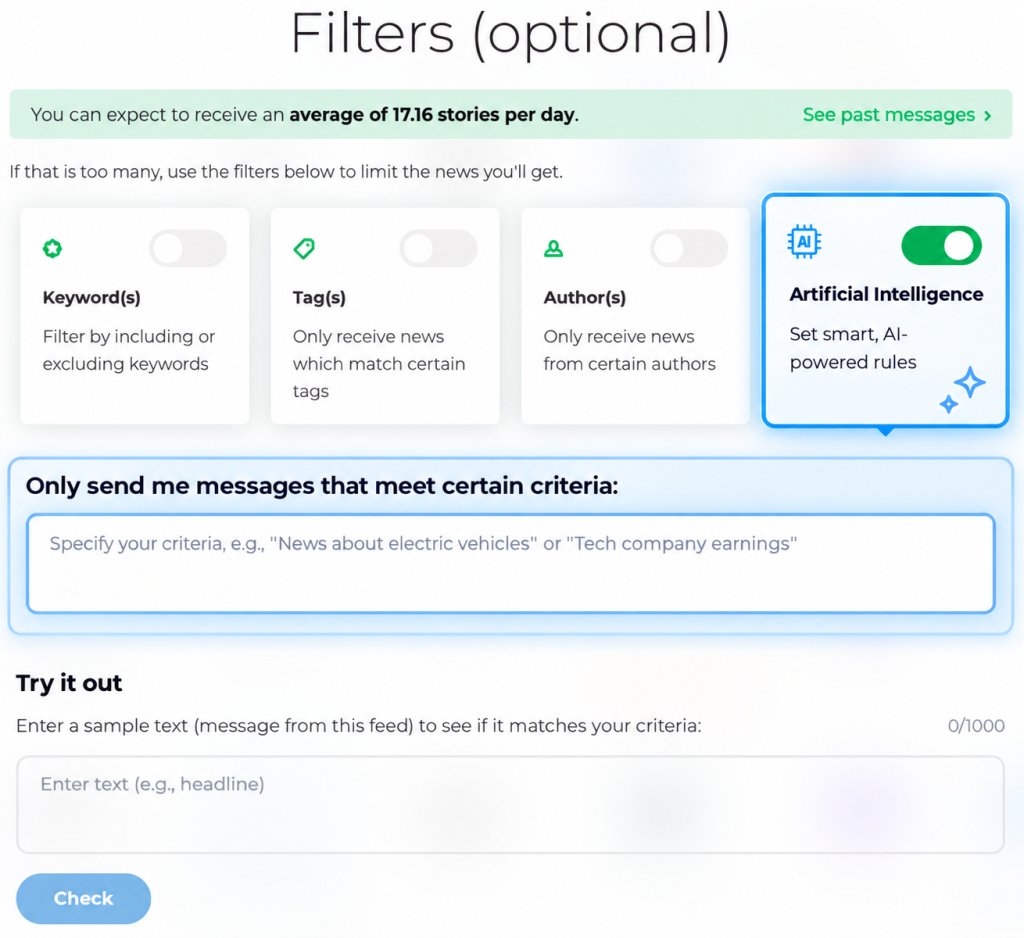
follow.it checks the title and content of each new update against your instructions, then delivers only the matching items.
You can test your instructions before saving them. Enter a sample headline or message, see whether it passes the filter, and adjust your criteria if needed.
Combine Smart Filters with your existing filters
Smart Filters work alongside follow.it’s existing keyword, tag, and author filters. For example, you could:
- Follow posts from a particular author
- Require certain keywords or tags
- Use a Smart Filter to keep only the updates that match the context you described
This can help remove unrelated updates that happen to contain the same keywords.
To apply filters as combined layers, select Combined (messages have to satisfy all filters) under Filter relationship at the bottom of the filters panel. With Combined, an update must pass every filter. With Individual, it only needs to pass one.
Smart Filters are available to premium readers, with monthly usage limits based on the selected plan.